Unreadable
Very long pages become tiny when squeezed into one image.
PAGEGRABFull-size PNG and readable A4 PDF
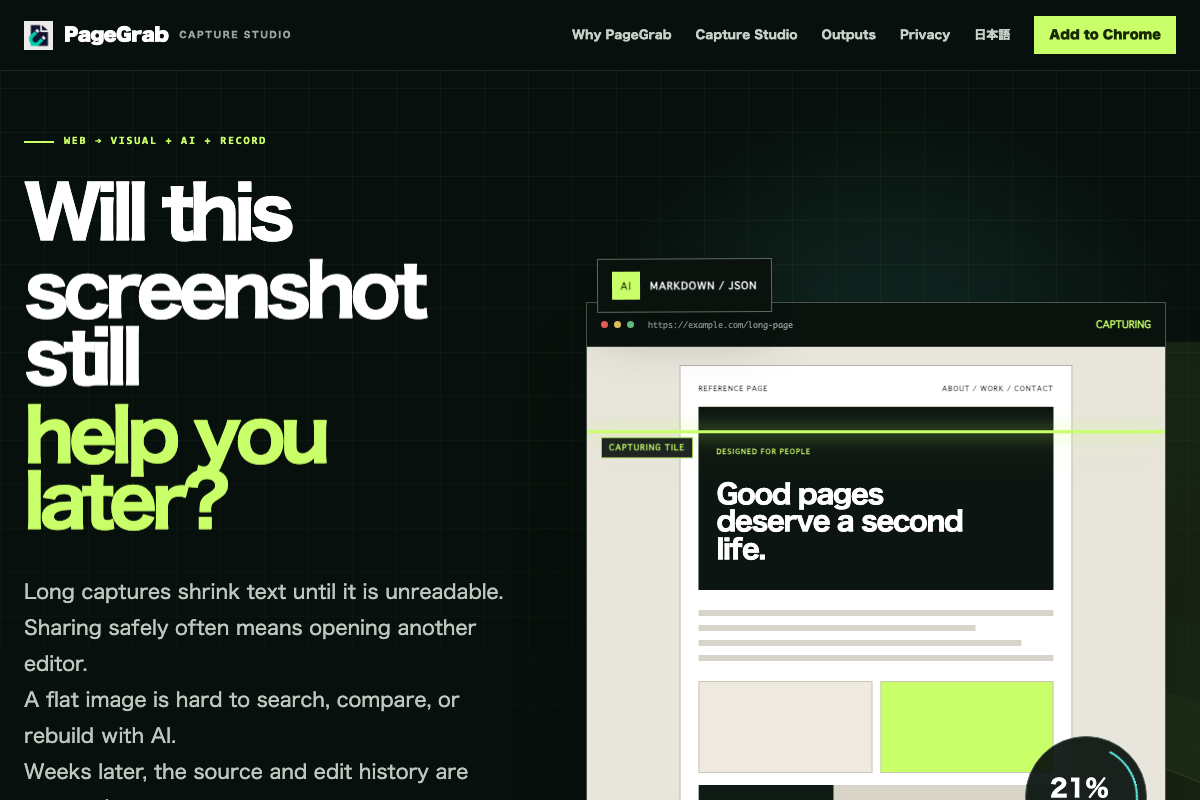
Long captures shrink text until it is unreadable. Sharing safely often means opening another editor. A flat image is hard to search, compare, or rebuild with AI. Weeks later, the source and edit history are easy to lose. PageGrab brings capture, editing, reuse, and records into one local workflow.
The real friction begins after capture.
PageGrab handles four common gapsin one Chrome extension.Very long pages become tiny when squeezed into one image.
Names and private details need redaction before the image leaves your device.
A screenshot hides the headings, links, colors, spacing, and components AI needs.
The source URL, time, original, edited version, and edit history drift apart.
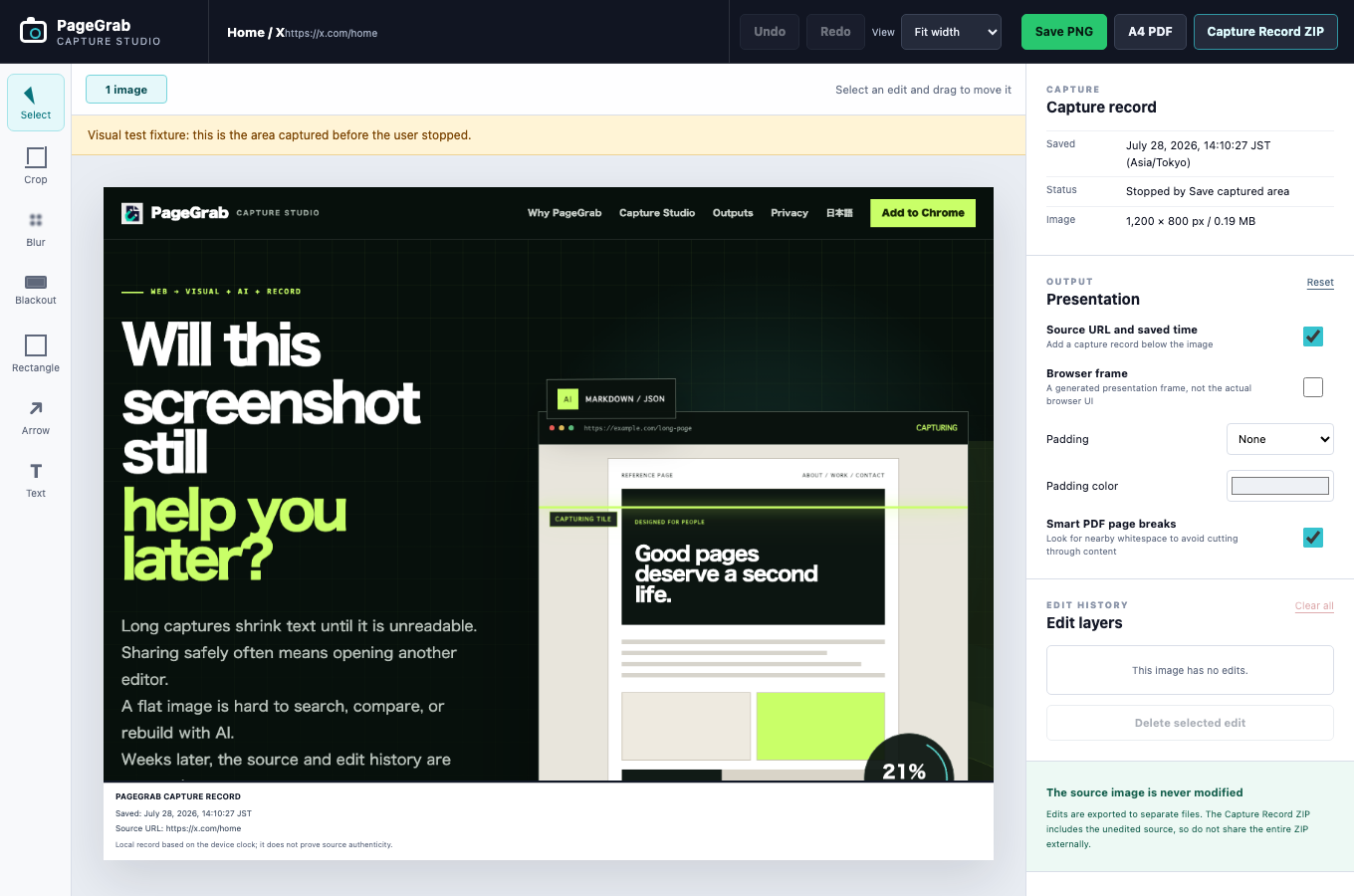
Capture Studio opens after a long-page capture so you can inspect the full-resolution result, make reversible edits, and choose the right output.
Adaptive scrolling waits for content, shows progress, and lets you stop safely with the area already captured.
Crop, three blur strengths, opaque blackout, rectangles, arrows, text, Undo, and Redo. Placed text remains editable.
The Capture Record ZIP separates the source image, edited files, history, human-readable report, and SHA-256 list.
A single web page can feed visual work, AI-assisted work, and a traceable local record.
Keep full-size width, split only when browser limits require it, and add searchable URL, time, and page numbers to PDF records.
Export text, images, headings, CTAs, colors, typography, spacing, and selected components as Markdown, JSON, CSS, and HTML.
Record the source URL, device time, completion state, edit operations, and SHA-256 values in both readable and machine-readable files.
High-resolution PNG, A4 PDF, Capture Studio, AI-ready output, and Capture Record ZIP are included without an account or card.
PageGrab aims to make dependable web capture a practical everyday tool.PageGrab also includes an optional workflow for preparing Japanese exhibit materials. It keeps Japanese exhibit labels and generated legal files because the workflow is specific to Japan.
PageGrab has no product backend, account system, cloud storage, analytics SDK, ad SDK, or telemetry. Files are created in the browser and saved only when you choose an action.
There is no API that receives your page content, captures, PDFs, or ZIP files.
No telemetry, ad SDK, behavioral profile, or account is used.
PageGrab never files legal material or sends a hash to a timestamp service automatically.
Keep the visual, the structure, and the capture record on your own device.